
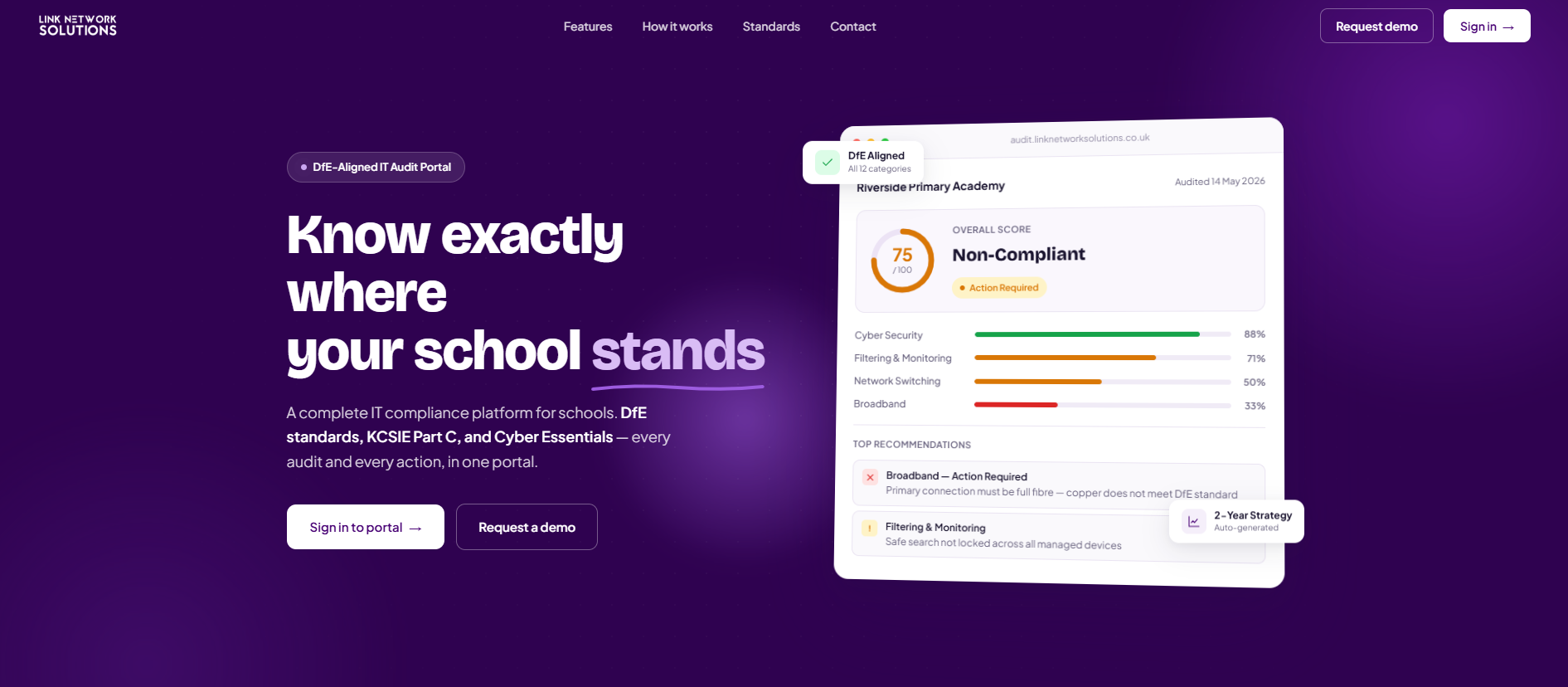
The Short Version
- LNS has launched a dedicated school IT audit portal at audit.linknetworksolutions.co.uk
- Your school is scored against DfE Technology Standards — with a full report and prioritised recommendations
- You get your own secure login to view every audit LNS has produced for you
- Every audit includes a follow-up call with the LNS team to talk through findings
- The initial audit is free — no obligation, no jargon
Managing IT in a school is unlike any other environment. You’re balancing safeguarding obligations, DfE compliance, ageing infrastructure, tight budgets and a growing list of devices — often without a full-time IT team behind you. The question most school business managers and headteachers ask us is simple: are we actually meeting the standard? Now there’s a clear answer.
We’ve built the LNS School IT Audit Portal — a dedicated platform where schools can access a detailed, personalised audit of their IT provision, benchmarked against the DfE Technology Standards. Your school gets its own secure login, a scored report and a set of prioritised recommendations — so you know exactly where you stand and what to fix first.
What Is the LNS School IT Audit Portal?
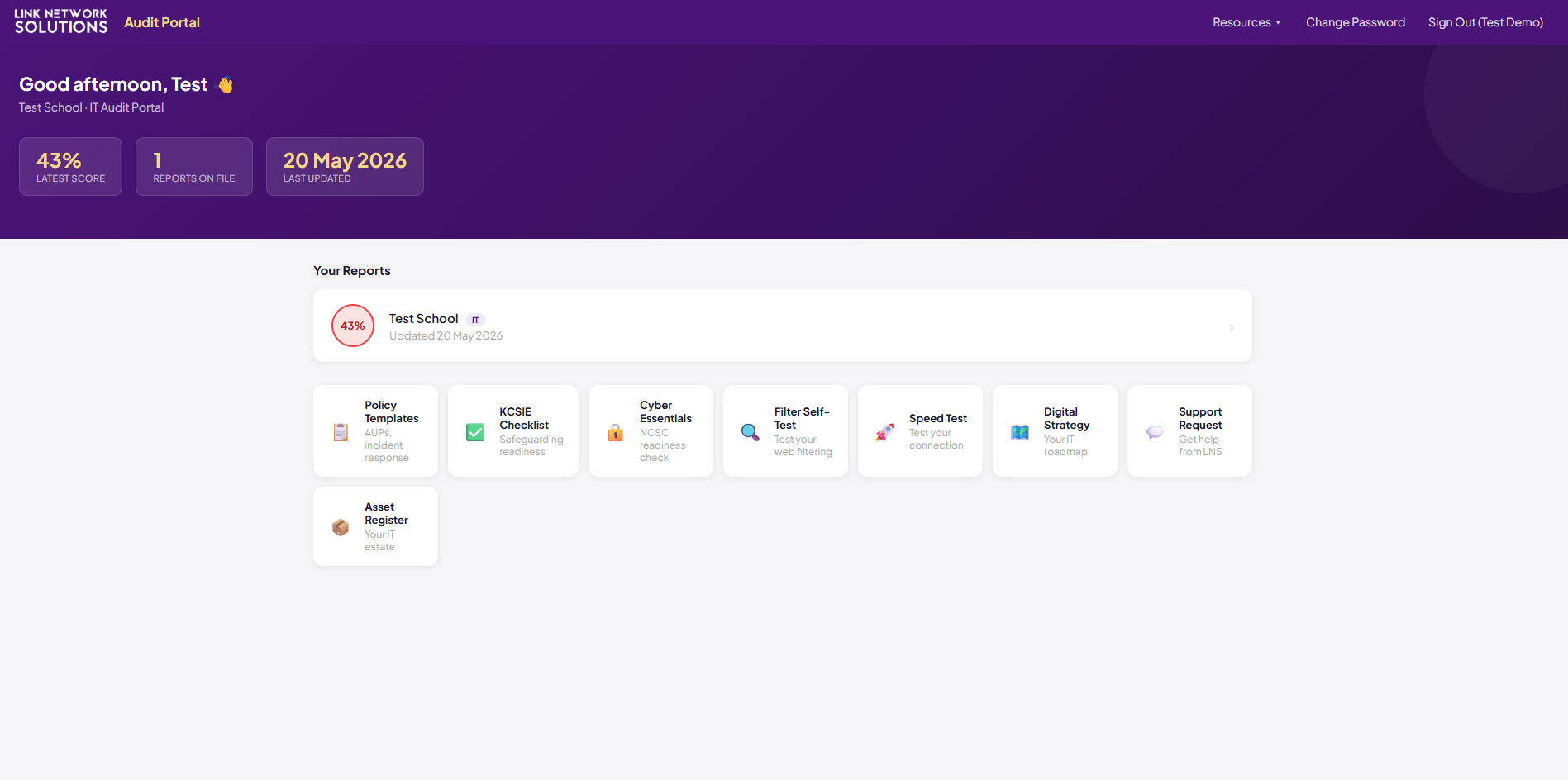
The audit portal is a secure, school-specific platform hosted at audit.linknetworksolutions.co.uk. Once LNS has carried out an IT audit for your school, your results — including your score, full report and recommended actions — are published to the portal and accessible via your school’s own login.
Rather than receiving a PDF that sits in someone’s inbox and gets forgotten, your audit lives in a live, accessible platform that you can refer back to, share with governors or trustees, and use to track progress over time.
Why does this matter? Ofsted and DfE inspectors increasingly ask schools to demonstrate awareness of their IT provision and safeguarding controls. A documented audit — scored against the DfE standards — gives you evidence you can put in front of any inspector, trustee or governor with confidence.
How It Works
Book Your Free School IT Audit
Get in touch with the LNS team to arrange your audit. We’ll confirm a date and let you know what to expect — no preparation needed on your end.
LNS Carries Out the Audit
One of our DBS-checked engineers assesses your school’s IT infrastructure, security controls, filtering and monitoring, device management and more — benchmarked against the DfE Technology Standards.
Your Results Appear in the Portal
Your school receives a login to audit.linknetworksolutions.co.uk where your scored report and recommendations are waiting. We’ll walk you through the findings on a follow-up call.
What the Audit Covers
The audit is structured around the areas that DfE Technology Standards and Ofsted inspectors focus on. Every school is assessed across all of the following:
What Your School Gets
Your DfE Compliance Score
A clear percentage score showing how your school measures up against the DfE Technology Standards across every category.
Full Audit Report
A detailed written report covering every area assessed — what’s working, what needs attention, and why it matters.
Prioritised Recommendations
A ranked action list so you know exactly what to fix first — categorised by urgency and impact for your budget conversations.
Follow-Up Call with LNS
A dedicated call with one of our education IT specialists to walk through your results, answer questions and discuss next steps — no obligation.
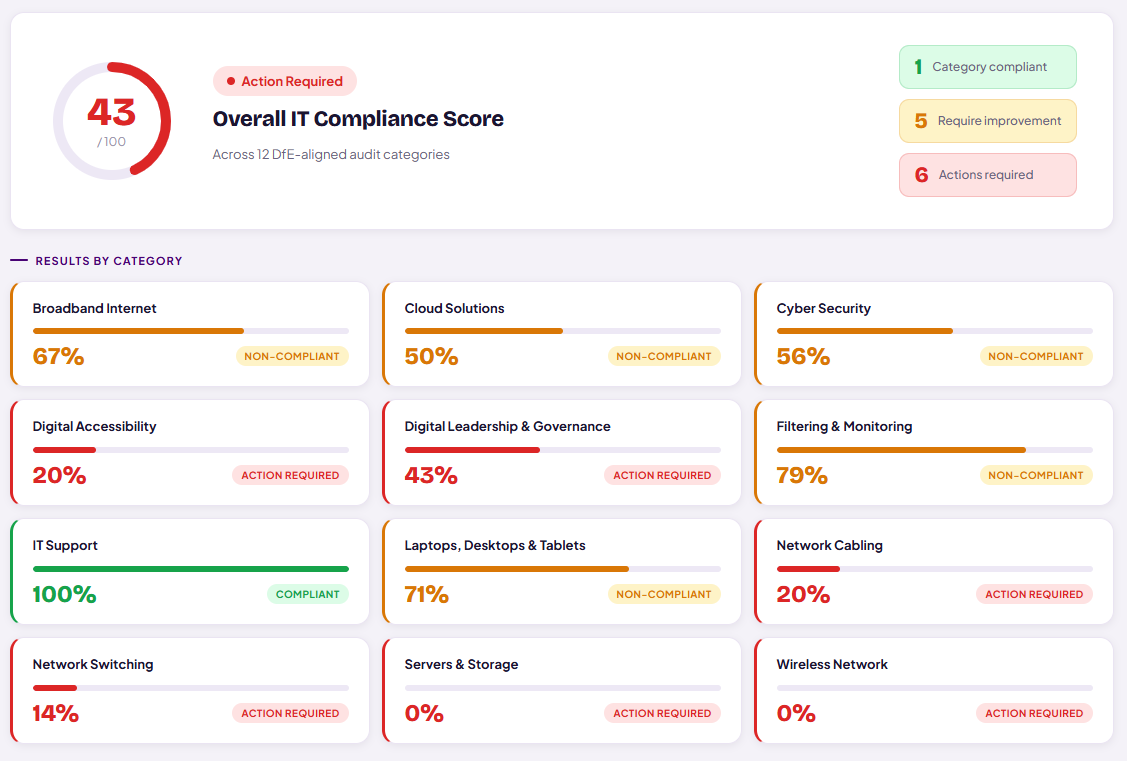
All of this is available through your school’s secure login on the portal — accessible at any time, shareable with your governors, and kept on record for future reference.
What Else Is in the Portal
Your school’s audit results are just the starting point. Once you have a login, you also get access to a library of practical resources designed to help you act on your findings and stay on top of your IT obligations throughout the year:
Raise a support ticket with the LNS team directly from within the portal.
Verify your school meets Keeping Children Safe in Education requirements.
Guidance on meeting the Cyber Essentials standard for schools.
Test whether your school’s internet filtering is working correctly.
Check your internet performance against your contracted speeds.
Templates to help build or update your school’s digital strategy.
Ready-to-use IT policy templates — AUPs, data protection and more.
Track your school’s hardware and software in one place.
All resources are accessible from the portal’s Resources menu as soon as your school account is active — no separate sign-ups or downloads required.
Who Is It For?
Whether you have an existing IT support provider or manage things in-house, the audit gives you an independent, objective view of where your school stands.
Frequently Asked Questions
Book Your Free School IT Audit
Find out exactly where your school stands against DfE Technology Standards — with a scored report, prioritised recommendations and a follow-up call from our education IT team.
