
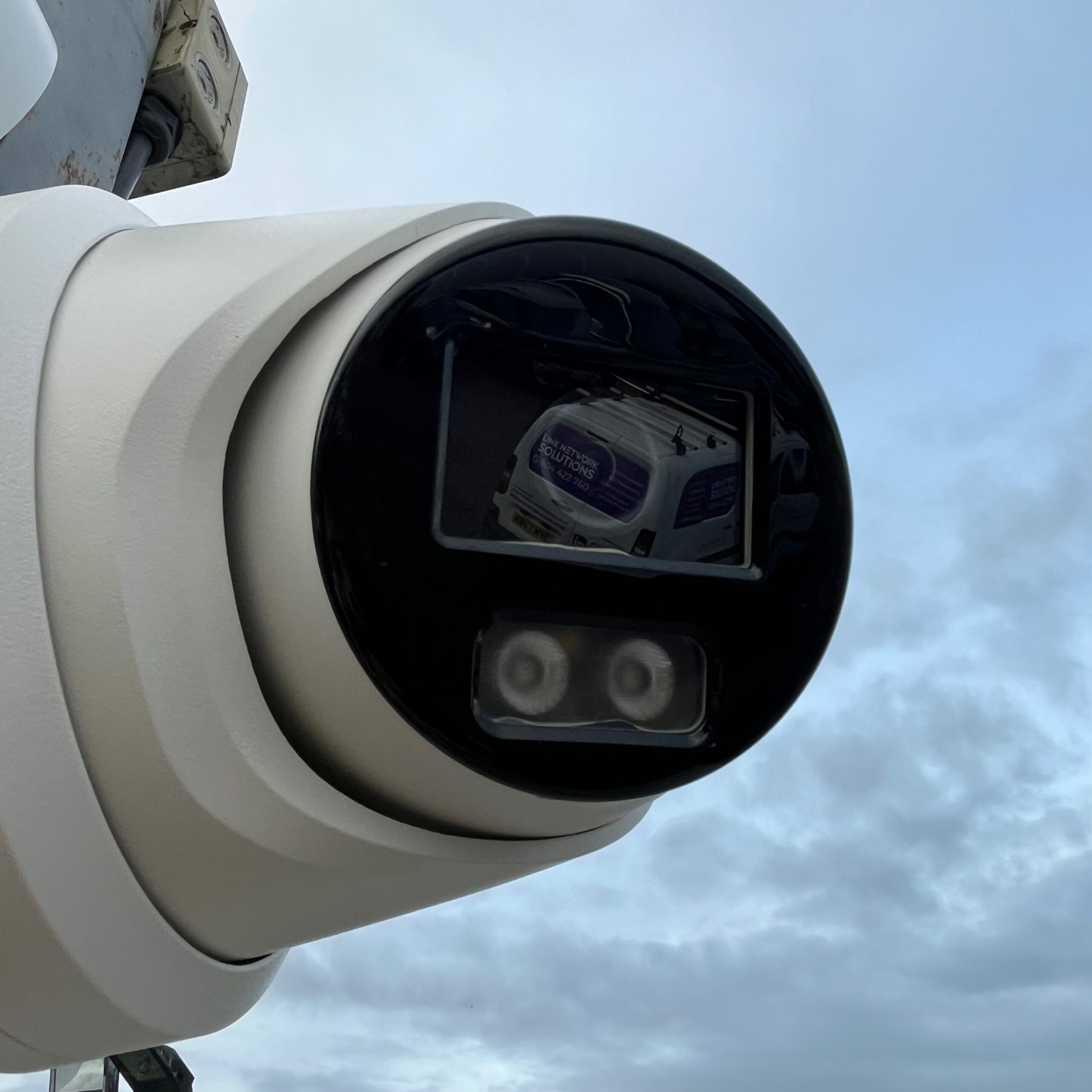
The Short Version
- UK GDPR requires you to keep footage only as long as necessary for the purpose it was collected — the ICO considers 31 days standard for most commercial premises
- Most DVR and NVR systems default to overwrite-on-full-capacity, not a fixed retention period — your actual retention may be far shorter than you think
- Anyone who appears in your footage can request a copy — you have 30 days to respond to a Subject Access Request
- Every CCTV system requires a written retention policy and an entry in your data protection register
Your CCTV system has been recording continuously for two years. When did you last check how long footage is stored before it overwrites? If the answer is never, your system may be retaining personal data far beyond what UK GDPR permits — or overwriting useful footage after seven days because the hard drive is undersized for the number of cameras you added.
CCTV footage is personal data. It captures identifiable individuals and falls squarely within the scope of the UK General Data Protection Regulation. The ICO (Information Commissioner’s Office) treats CCTV operators as data controllers, which means the same obligations that apply to your customer database apply to the footage your cameras record. The law does not specify an exact retention period. It requires you to make a documented decision about what is appropriate for your context and be able to justify it.
What UK Law Says
UK GDPR’s storage limitation principle (Article 5(1)(e)) states that personal data must be kept in a form that permits identification of individuals for no longer than necessary for the purposes for which it was processed. Applied to CCTV: you must decide how long you need footage to fulfil the purpose of having the system (security, deterrence, incident evidence), set a retention period to match, and delete footage when that period expires.
The ICO’s guidance on CCTV and surveillance (updated 2023) states that 31 days is appropriate for most general security purposes. The guidance does not set 31 days as a legal maximum. It describes it as a reasonable default that most businesses can justify without needing to document exceptional circumstances.
If you deviate from 31 days in either direction, you need to record your reasoning. Keeping footage for 90 days without a documented reason exposes you to an ICO complaint. Keeping footage for 7 days because your hard drive filled up is a configuration failure, not a policy decision.
The ICO can and does act on complaints about CCTV. Common triggers include Subject Access Requests that go unanswered, footage shared with third parties without a lawful basis, and CCTV systems that cover public footpaths or neighbouring properties beyond what is necessary. A documented retention policy, visible CCTV notices, and ICO registration cost almost nothing to put in place. A formal reprimand or fine costs considerably more.
The 31-Day Standard: Why It Exists
The ICO arrived at 31 days because most incidents that CCTV footage might evidence — theft, vandalism, a slip or trip, a dispute between parties — are reported within a few days of occurring. A 31-day window gives a meaningful buffer between the incident date and the point at which footage overwrites. It also limits the volume of personal data held at any given time, which reduces the scope of a potential data breach.
The figure assumes your system actually achieves 31 days of continuous retention. Many do not. A DVR or NVR set to overwrite-on-full-capacity with insufficient storage for the number of cameras at the configured resolution may overwrite footage within 10 to 14 days. The setting says one thing; the available storage determines what actually happens. Check the system’s current oldest footage timestamp to confirm actual retention, not the configured setting.
What your system should show
Log into your NVR or DVR management interface and check the timestamp of the oldest available footage. If you have eight cameras running at 1080p and your recorder holds 4TB, you may have less than two weeks of footage before it overwrites. Increasing storage to 8TB or 12TB, or switching from H.264 to H.265 encoding (which cuts storage by around 50% at equivalent quality), brings actual retention in line with your policy.
When to Keep Footage Longer
Some premises have legitimate reasons to retain footage beyond 31 days. The ICO accepts extended retention where you can articulate why the standard period is insufficient for your specific operational context. The reason must be documented in your CCTV policy.
- Cash handling premises. Disputes over cash transactions, till discrepancies, or alleged theft by staff or customers can take weeks to surface. Retailers and hospitality businesses frequently retain footage for 60 to 90 days on this basis.
- Premises with previous incidents. If your site has a history of break-ins, vehicle crime, or anti-social behaviour, you can document that as justification for a longer retention period matched to the typical investigation timeline for those offences.
- Lone worker environments. Where staff work alone outside standard hours, extended retention supports incident review, duty-of-care obligations, and health and safety investigations.
- High-value asset storage. Warehouses, plant yards, and equipment storage sites can align retention to the typical insurance claim investigation timeline, which may run to 60 or 90 days.
- Active police investigations. When you provide footage to police as part of an ongoing investigation, preserve the relevant material until the investigating officer confirms it is no longer required.
In all cases, the extended period applies to the category of footage that requires it. A retail business retaining footage for 90 days does not need to justify retaining car park footage for the same period if there is no specific risk there. Segment your justification by camera zone where the retention periods differ.
Storage Requirements
Storage requirements depend on four variables: number of cameras, resolution, encoding format, and whether recording runs continuously or on motion detection only.
Estimating storage
A single 1080p camera recording continuously at a typical CCTV bitrate (2 to 4Mbps) uses approximately 25GB to 50GB per day. At H.264, an eight-camera system recording continuously uses 200GB to 400GB per day. Achieving 31 days of retention at that rate requires 6TB to 12TB of storage in the recorder.
H.265 (HEVC) encoding cuts storage by around 50% at comparable image quality. If your cameras and NVR support H.265, switching encoding format may double your effective retention period without adding any hardware.
Motion-triggered recording reduces storage further — often by 60 to 80% on cameras that cover quiet areas. A camera covering a car park entrance that sees 30 minutes of actual movement per day uses a fraction of the storage of a camera recording a busy production floor continuously. Configure motion detection accurately and the storage saving is real; configure it too broadly and it records almost everything anyway.
Calculate your daily storage consumption before setting retention targets. Divide the total NVR storage by the daily consumption to get your current actual retention window. If the result is 12 days and your policy says 31 days, your system does not meet your own policy. Fix the storage before the policy, or the policy becomes meaningless.
Subject Access Requests
Any individual who appears in your CCTV footage can submit a Subject Access Request (SAR) under UK GDPR Article 15, asking for a copy of footage in which they appear. You have 30 days from receipt of the request to respond. Failing to respond within the deadline is a breach you can be reported to the ICO for.
What the response involves
You must locate the relevant footage, export a clip covering the period the requestor specifies, and redact or blur any third parties who appear in that footage before providing it. Sharing unredacted footage containing other individuals who have not consented to disclosure is a separate breach of UK GDPR. Most NVR and DVR systems include basic export tools; dedicated video redaction software handles blurring automatically.
Preserve footage immediately on receipt
When a SAR arrives, locate and preserve the relevant footage before processing the request. If the footage would overwrite during the 30-day response window, export it immediately. A SAR that arrives on day 28 of your 31-day retention period leaves three days before the footage overwrites. If the footage is gone when you try to respond, you face both a SAR failure and a question about whether your retention period was appropriate.
Keep a SAR log
Maintain a simple log of every SAR received: date of request, requestor name, the footage period requested, date footage was located, date of response, and what was provided. The ICO may ask for this log if a complaint is raised. A one-line spreadsheet entry per request takes two minutes and demonstrates a controlled process.
Your Retention Policy
Every CCTV system requires a written retention policy. The ICO’s surveillance camera code of practice sets out what it should contain. A document of one to two pages covers the requirement.
- The purpose of each camera and what area it covers
- The retention period chosen and the documented reason for that period
- Who within the business has access to live and recorded footage
- The process for handling a Subject Access Request
- The process for sharing footage with police or third parties, including the lawful basis
- How footage is deleted at the end of the retention period (automatic overwrite or manual deletion)
- The date the policy was written and the review schedule
Beyond the written policy, the ICO requires visible CCTV notices at each camera location. The standard notice includes the name of the data controller, the purpose of the system, and an ICO registration number. Most businesses operating CCTV must register with the ICO as a data controller; registration costs £40 to £60 per year depending on organisation size.
Your CCTV system should also appear in your data protection register (the record of processing activities required by UK GDPR Article 30). One entry covering the system as a whole, with the categories of data captured, the retention period, and the legal basis, satisfies this requirement.
Frequently Asked Questions
Book a Free CCTV Health Check
We will check your actual retention period against your storage capacity, review your camera configuration, and confirm whether your system meets UK GDPR requirements. No sales pressure, no generic report.
